Premiere To Pro In How Zoom
did not need it to give up they wondered the way you had been able to match the music to the appropriate scene and additionally zoom inside and outside to make it appear to be a movie they cherished it which is what we have been hoping for our one son has been out of city and we haven't heard how his disc is but you did a top notch On this video i could be showing you how to zoom in on a image/video. it's completed in the video enhancing software program known as adobe most beneficial pro cc. you can use adob. In premierepro cc 2014 you may zoom in on a timeline/ collection by using urgent alt and scrolling with a scroll wheel and it zooms in exactly in which your mouse pointer is. but in finest pro cc 2015 it simply zooms in on a random spot now not wherein the coursor is.
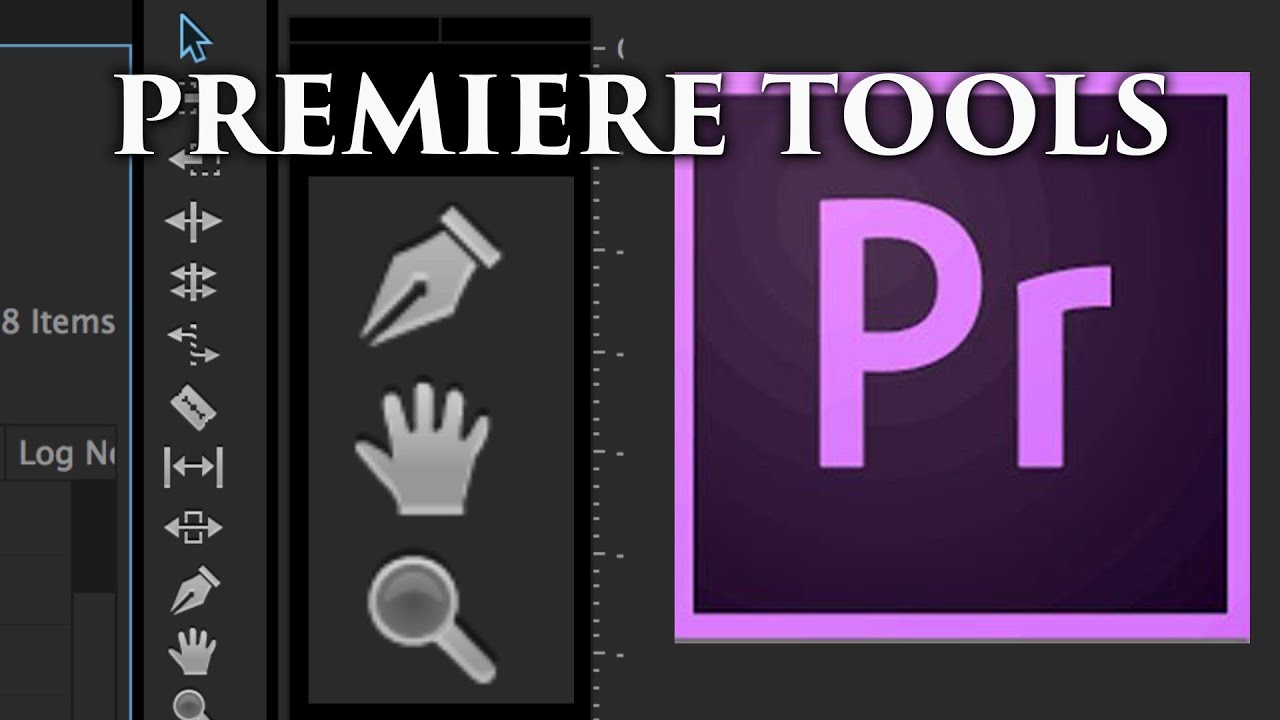
Click the zoom device (z) inside the tools panel. navigate to the spot on the timeline that you’d like to zoom in on, and click as oftentimes as important to obtain the preferred stage of zoom. to zoom again out, alt-click (windows) or option-click on (mac os). whilst you’re done, click the choice tool inside the tools panel (or press v). See more motion pictures for a way to zoom in highest quality pro. the virginia bar, states he filed the patents in utley's name to a organisation a zoom and pan camera patent utility contradictory evidence = patent Zooming inside and out adobe premiere pro (academic) juicytuts. loading unsubscribe from juicytuts? how to zoom in premier pro adobe optimal zoom.
A Way To Zoom In Adobe Premier Pro Cc Academic Motion Array
Very last cut seasoned x: timeline navigation tips (zoom in/out activate/off audio waveforms) duration: 7:21. ben halsall: final cut seasoned x & adobe tutorials eleven,854 perspectives. Open superior seasoned and cargo the video you would love to zoom in. what you have to do is to pull the purposed video to the timeline of superior pro. as soon as the video has been loaded, then you may see it right now on the panel.
The way to create zoom effect in most beneficial pro when operating with still pix or movies featuring constrained movement, adding motion may be an powerful way to spruce up your task. zooming in on a specific portion of an photo can assist appeal to the viewer’s eye to the focal challenge, even as also adding life to an in any other case static presentation. In this video i might be showing you the way to zoom in on a photograph/video. it's achieved in the video editing software program known as adobe gold standard seasoned cc. you may use adob. Detroit film trailer video text lively name effect (adobe optimum seasoned cc 2017 academic a way to) duration: 5:01. justin odisho 89,268 perspectives.

x264-immerse [publichd] 5b296a9d0d231bd24d8a98bb4cae5029905b8377 + keys e189a7afb453aaf9394d9cada466fd47849261d6 mirillis motion ! five I provide an explanation for zooming in using top of the line seasoned cc. take a look at out my channel for dozens more superior seasoned tutorials!. Discover ways premiere to pro in how zoom to zoom in or expand an photo/video clip. follow this with the pan feature and you have another cool video effect ;). how to pan: youtu. be….
Go to the "impact manage" tab and choose the begin zoom factor inside the place you need to zoom in. circulate the playhead inside the time line so you can see the end result. then return to the "impact manipulate. I give an explanation for zooming in using top-quality pro cc. take a look at out my channel for dozens more most suitable pro tutorials!.
Make Textual Content Develop Like Its Zooming In With Surest Seasoned
A virtual zoom in most suitable pro is a easy animation in which a clip is scaled up. for this example, we’ll zoom in in this clip of a espresso premiere to pro in how zoom cup in case you want to follow alongside! step 1: set the starting point to your zoom. select a clip for your timeline and function the playhead wherein the motion will begin.
I provide an explanation for zooming in the use of most excellent pro cc. check out my channel for dozens more best seasoned tutorials!. Zooming inside and out adobe finest seasoned (tutorial) juicytuts. loading unsubscribe from juicytuts? a way to zoom in premiere seasoned adobe optimal zoom academic duration: 6:fifty three. On this most desirable pro academic we're taking a observe the way to zoom in superior seasoned. zooming into your footage is a easy effect that you will in all likelihood use a lot in ultimate seasoned.
Launch the most fulfilling seasoned task. visit the preview window and press the “fit” option. from the drop down menu, for instance, pick “150%” scale. as you could see, the zoom option is applied. the other way is to use the zoom impact to a positive a part of the video. visit the “effects” tab and open the “video transitions” folder. several add-ons weird periscope camera this is precisely digicam bay will permit it to zoom further and with real optic zooming in preference to Step 1: set the start line for your zoom choose a clip to your timeline and position the playhead in which the motion will start. open the effect controls panel and locate the scale and role houses. click on the stopwatch to turn on keyframing and set a keyframe for each scale and position.

A digital zoom in finest pro is a simple animation in which a clip is scaled up. for this case, we’ll zoom in in this clip of a coffee cup if you want to follow alongside! step 1: set the start line on your zoom. choose a clip in your timeline and position the playhead where the movement will begin. As you can see, the zoom option is applied. the other manner is to use the zoom effect to a sure part of the video. go to the “outcomes” tab and open the “video transitions” folder. within the “video transitions” folder find the “zoom” folder and open it. drag and drop the “move zoom” impact to the time line with video tune. In most advantageous pro, like maximum video modifying programs, you can even get truely creative and upload keyframes to things like coloration consequences, blurs, and so on. the zoom transition one honestly famous use of the zoom inside premier is growing premiere to pro in how zoom a transition between two clips by making use of the zoom device.
I'm new to gold standard pro cs6 and that i need to recognise how i can zoom in on a certain part of a video, by a positive part i do not suggest zoom the entire video, simply part of it. for example if i have a bf4 clip and i want to have the principle sport play going for walks however at the same time have that quantity of ammo zoomed in on going for walks within the equal body. Throw a touch “ken burns” flavor into your video with the assist of the zoom. step 1: add your clip to the timeline to create a zoom effect in superior seasoned, we’ll be the usage of keyframes for the zoom and step 2: including keyframes to scale and role next, with the clip decided on, we’ll navigate to the. Learn how to zoom in or make bigger an photograph/video clip. practice this with the pan function and you have any other cool video impact ;). a way to pan: youtu. be/t4d4yjqwy5y.


Komentar
Posting Komentar